
What Is a GPU? GPU, HBM and NPU Explained Without the Jargon
A clear guide to the hardware behind AI: graphics processors, high-bandwidth memory and the small accelerators now inside laptops and phones.

Infrastructure Editor
The simple answer: what GPU, HBM and NPU do
In simple terms, a GPU is the heavy engine of AI computation, HBM is the very fast memory that keeps that engine fed, and an NPU is a smaller, lower-power AI accelerator built into laptops, phones and edge devices. Many explainers start with architecture diagrams and numbers. Readers need the picture first: an AI model must read, move and calculate huge amounts of numbers at the same time. The GPU does parallel math, HBM prevents the data path from becoming too narrow, and the NPU brings smaller AI tasks closer to the user.
That is why the question “what is a GPU?” is also a question about the economics of AI. Better models are not built by ideas alone. They need compute, fast memory, cooling, power and optimized software. A strong GPU with slow memory waits for data. Great memory with weak cooling cannot sustain performance. A good NPU can run everyday AI locally and reduce pressure on cloud data centers.
Why AI needs this hardware
Language models, image models and agents all rely on matrices, vectors and probabilities. That means thousands or millions of small operations must happen quickly. CPUs are excellent at general-purpose and sequential work, but GPUs are built for parallel computation. The same ability that once made gaming graphics faster now moves model weights and tokens in AI data centers.
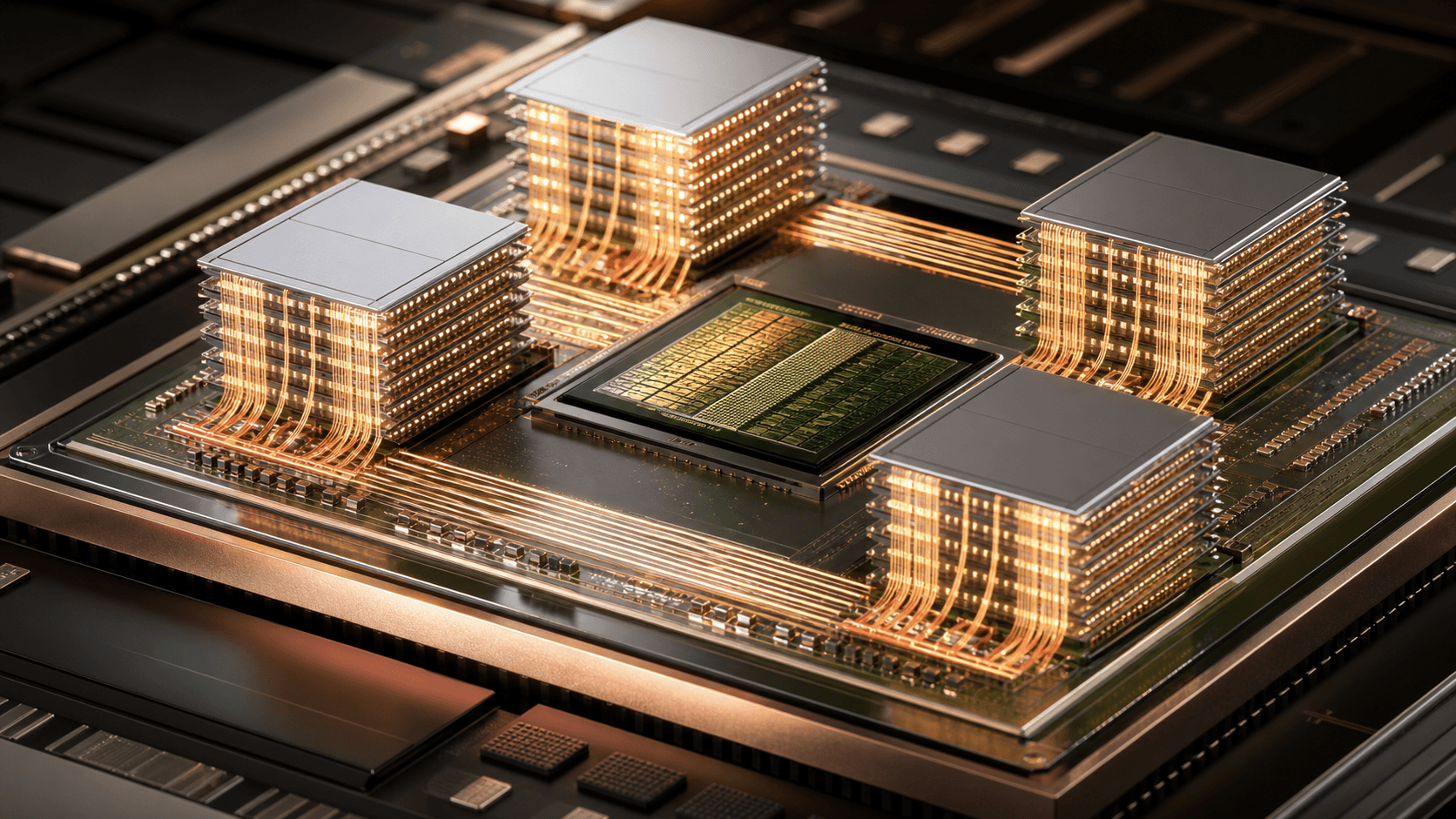
But GPU power is not enough. HBM, or High Bandwidth Memory, acts like a very wide road next to the chip. As models grow, they need more data movement. If memory bandwidth is narrow, even a powerful GPU waits. NPUs matter for smaller scenarios: summarization on a laptop, image understanding on a phone, noise removal, translation and lightweight models that do not need to send everything to the cloud. The future is hybrid: data centers for heavy work, devices for fast and private work.
What matters when buying hardware or AI services
For normal users, the right question is not only how many TOPS or FLOPS a device advertises. The workload matters. Gaming, video editing and graphics need strong GPUs. Local AI on laptops needs NPU support, memory and software compatibility. AI services and data processing need GPU memory capacity, HBM bandwidth, cooling and power cost. Raw numbers without a use case can mislead.
Businesses should treat this as a cost warning. The final price of AI is not only the API invoice. Behind the API is hardware: GPUs, memory, networking, electricity, cooling and capacity queues. HBM, data centers, GPUs and NPUs are not separate topics. They are parts of one question: how do we make AI computation faster, cheaper and more reliable?
Conclusion
The GPU answers who does the math. HBM answers how fast data reaches the math. The NPU answers how much AI can run near the user with less power. Once you understand those three pieces, chip and data center news becomes much easier to read.
This topic matters because a simple search like “what is GPU?” opens the bigger story: the future of AI depends not only on models, but also on memory, power, cooling, device architecture and hardware strategy.
A practical checklist before you compare devices
Start with the job, not the specification sheet. A student who wants faster transcription, light image editing and an occasional local assistant does not need the same machine as a developer running a large model, a video editor working with 4K footage, or a researcher training a vision system. Write down the applications you will actually use, how often they run, whether your files can leave your device, and how long you expect a task to take. Those answers make the GPU, memory and NPU numbers meaningful instead of decorative.
For a desktop or laptop purchase, look beyond the headline TOPS number. Check usable system memory, dedicated GPU memory, sustained cooling, power limits, the operating system, driver support and whether the software you care about can use the accelerator. A high advertised AI score is not helpful if the app falls back to the CPU, the model does not fit in memory, or the laptop slows down after ten minutes because it cannot shed heat. Independent tests with the same workload are far more useful than a single marketing benchmark.
There is also a sensible middle ground. Many everyday AI jobs are small: live captions, noise reduction, search, photo sorting and a compact local model. An NPU can make those tasks feel immediate and preserve battery life. Larger image generation, video work and local models with many billions of parameters still lean on a discrete GPU and enough memory. Cloud tools remain practical when work is occasional or collaborative, but the recurring cost, upload time and privacy trade-off should be part of the comparison.
The bottlenecks people miss
A GPU rarely works alone. The real experience is shaped by the slowest part of the chain: storage has to load the model, system memory has to feed it, GPU memory has to hold the active data, and the network may be needed for a service or a team workflow. HBM matters at the data-center end because it gives high-end accelerators an extremely wide path to the data they calculate on. Consumer devices usually use different memory technologies, but the lesson is the same: a fast processor waiting for data is expensive hardware doing nothing.
Heat and electricity are not secondary details. Sustained AI workloads can push a compact device into thermal limits, reduce clock speeds and make a benchmark result impossible to repeat in normal use. In an office or data center the same issue becomes a capacity and operating-cost question. When comparing two systems, ask what happens after a long session, how loud the cooling becomes, what the power draw is under load, and whether the machine can be repaired or expanded. The best choice is often the one that remains predictable on an ordinary Tuesday, not the one that wins a short launch-day demo.
Finally, avoid treating local AI and cloud AI as opposing camps. A strong setup often uses both: private, low-latency work stays near the user; shared or compute-heavy work goes to managed infrastructure; and sensitive decisions remain reviewable by a person. Understanding GPU, HBM and NPU is useful because it turns hardware news into a concrete question: where should this task run, what will it cost, and what could become the next bottleneck?
“Good technology journalism helps the reader make a better decision after reading.”
About the author

Michael Lee
Infrastructure Editor
Michael covers chips, cloud platforms, data centers, software infrastructure, and the economics behind large-scale computing.