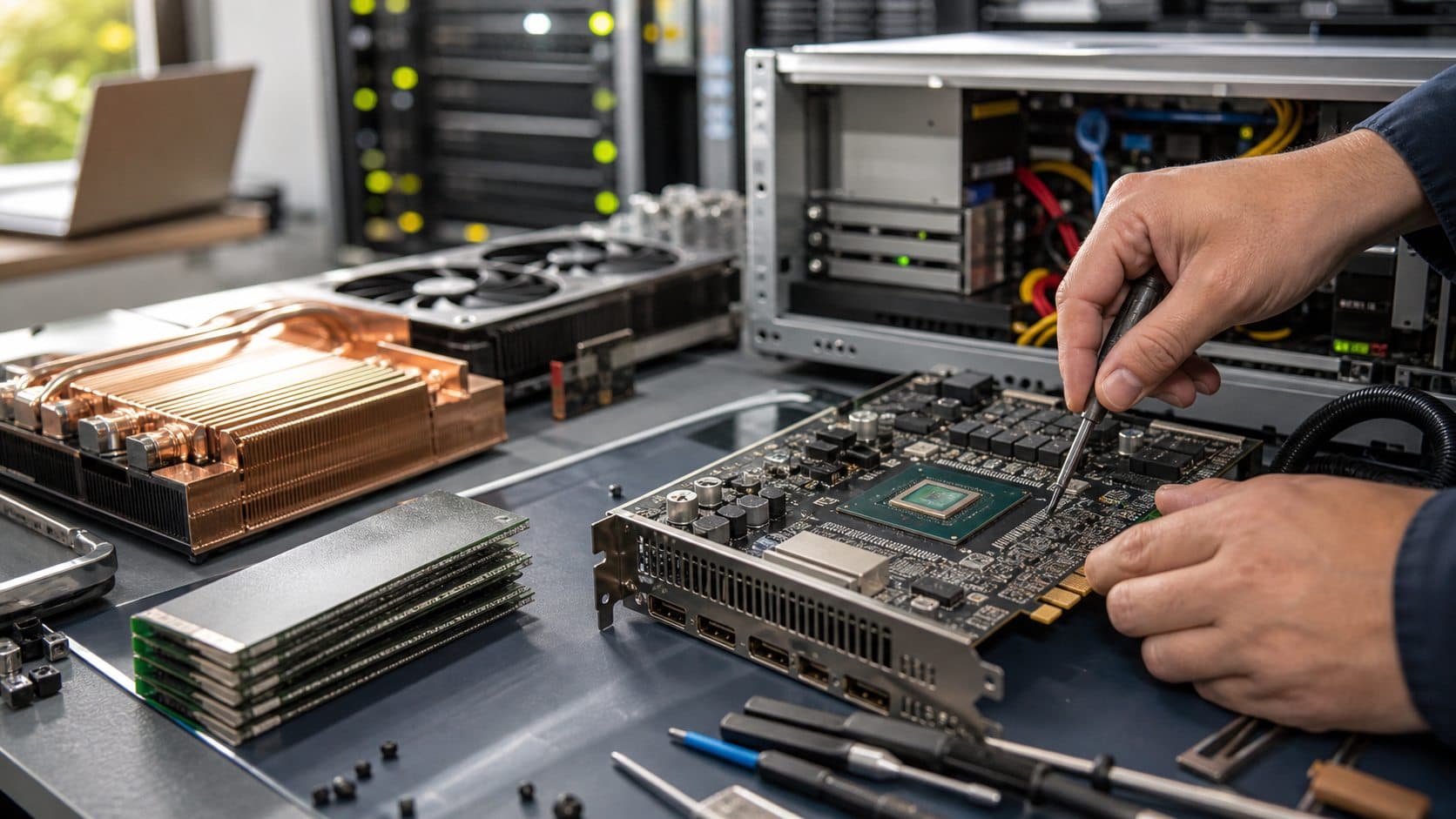

How Much VRAM Do You Need for Gaming in 2026? A Practical GPU Buying Guide
8GB, 12GB or 16GB? This guide connects VRAM to your resolution, game library, graphics settings and actual budget instead of repeating a slogan.

Infrastructure Editor
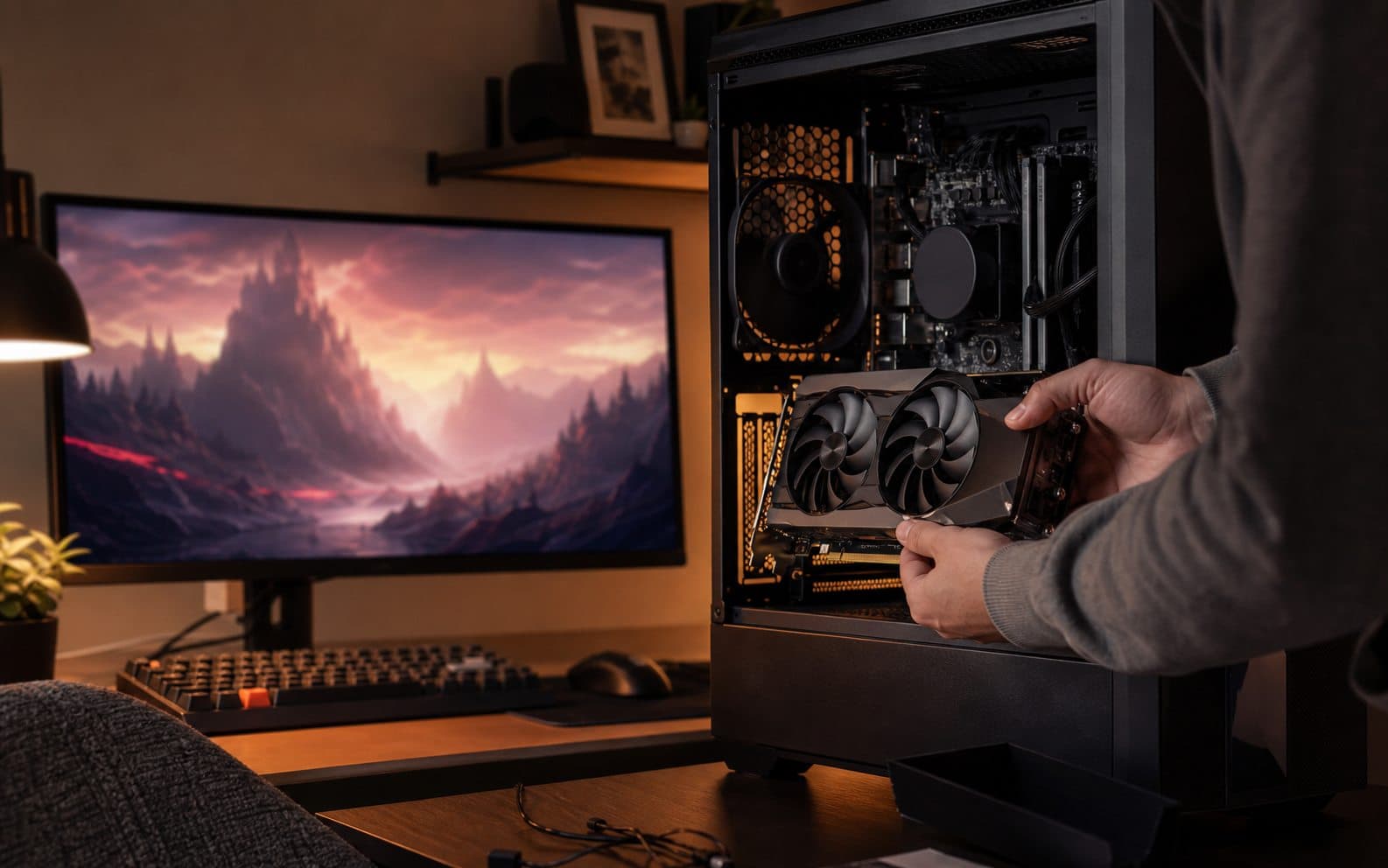
Start with what VRAM actually does
GPU shopping often collapses into model names, fan counts and a single frames-per-second chart. For a player who wants a game to feel smooth rather than merely launch, VRAM is one of the details that quietly becomes central. It is the memory beside the graphics processor that keeps textures, lighting data, geometry, shadow information and parts of upcoming frames close at hand. Bigger worlds, higher resolutions and richer texture packs all ask that memory to hold more at once. It is not a marketing footnote; it is part of what lets a game present a coherent world without constantly reaching for slower system resources.
A VRAM limit does not always arrive as a clean error message. A game may look fine at first, then hitch when you enter a new district, turn the camera quickly or load a dense scene. Textures can become less detailed, or the game can spill work into system memory, which is much slower for this job. That is why the useful question is not simply “will this game run?” It is “will it remain stable at the resolution and settings I genuinely plan to use?” That difference protects you from buying a card that looks good in one benchmark but feels compromised in your own library.
Why 8GB, 12GB and 16GB are not universal answers
There is no magic VRAM number for every player. A person playing competitive titles at 1080p with settings tuned for high refresh rates has a very different workload from someone who wants open-world games at 1440p or 4K with ultra textures, ray tracing and detailed mods. Eight gigabytes can still be perfectly workable for many games and sensible settings, but its margin is tighter in some newer, more demanding releases. That does not make every 8GB card useless, and it does not make it a future-proof choice for every buying plan. Context is the difference between a useful recommendation and an expensive slogan.
Twelve gigabytes often gives a 1440p player more breathing room, especially if they want to preserve texture quality over the next few years. Sixteen gigabytes and above makes more sense when high-resolution play, texture mods, heavy open worlds, content creation or other graphics workloads are part of the picture. Still, capacity is only one half of the decision. A card with lots of memory and weak graphics performance is not automatically great. A faster GPU with a narrow memory budget can hit a wall in certain settings. The goal is balance, not the largest number printed on the box.
Which settings really change memory demand
Higher resolution makes the GPU work harder, but high-quality textures, ray tracing, texture packs and some shadow settings can directly raise VRAM demand too. Those are related but different pressures. If frame rate is low, VRAM is not always the culprit; raw GPU performance, the CPU, lighting settings or a poorly optimized game may be the real limit. If the average frame rate looks healthy but the game stutters as you move through new spaces or stream in assets, VRAM is one of the first things worth investigating.
Do not switch everything off at once. Reduce texture quality by one step, watch the game’s memory indicator if it has one, then test ray tracing, shadow quality and resolution separately. This keeps you from ruining the image unnecessarily and teaches you what your own system is actually short of. Upscaling and frame generation can improve the experience, but they do not fully replace a sensible memory budget. They are tools for managing rendering work, not a spell that removes every hardware limit.
Buy for the way you actually play
Before you buy, ask four questions: what resolution do I use, which games genuinely occupy my time, do I also record video or create graphics, and how long do I expect to keep this card? Those answers matter more than a dozen disconnected rankings. A player who buys major releases at launch and enjoys graphics mods should leave more VRAM headroom. Someone focused on esports, indie games or an older library may get more value by putting extra money into a better display, faster SSD or a more balanced CPU rather than chasing capacity they will rarely use.
Do not compare the card in isolation. Check its power draw, your power supply, case clearance, cooling, monitor and local warranty conditions. A fast card that is uncomfortable in your case or pushes an old power supply too hard can create costs no benchmark chart shows. Used hardware can be excellent value when its history is clear, but uncertainty needs a discount large enough to be worth the risk. A good purchase is not the one that wins a comment section; it is the one that still feels calm and sensible after you install it.
A practical way to test before you upgrade
If you already own a graphics card, begin with evidence. Run a few different games at your real resolution, watch VRAM use and frame-time behaviour, and change one setting at a time. If lowering textures or disabling one heavy feature removes the stutter, you have learned something useful. If it changes nothing, the bottleneck may be the CPU, RAM, storage or the game itself. That small experiment is far better than upgrading out of anxiety, and it may save you from spending on the wrong part.
If you are choosing a new card, consider today and the next two years, but do not buy for an imaginary future at any price. The right card is usually the one that handles the games you love, at the resolution you use, with the settings you care about, without living permanently at the VRAM ceiling. Read this alongside NovaNews’ GPU and HBM guide: it explains why memory and bandwidth are not just data-center concerns. They shape the experience at a gaming desk too.
The bottom line: VRAM matters, but the whole system matters more
VRAM is neither decorative nor the only buying metric. Moderate capacity can be excellent for competitive and lighter games. More headroom becomes valuable for 1440p, newer releases, demanding textures and a longer upgrade cycle. The best choice brings VRAM capacity, GPU performance, display resolution, power, cooling and budget into one coherent decision. The goal is not to own the most expensive part. It is to play the way you want without turning every new scene into a hardware worry.
“Good technology journalism helps the reader make a better decision after reading.”
About the author

Michael Lee
Infrastructure Editor
Michael covers chips, cloud platforms, data centers, software infrastructure, and the economics behind large-scale computing.